01
Brief your lead
Tell Rowan what to build in a sentence or two, from the floor or a new workspace.
Brief a lead, approve the plan, and watch agents build in parallel, each in its own workspace, on an office floor you can actually see.
Free · For Macs with Apple silicon
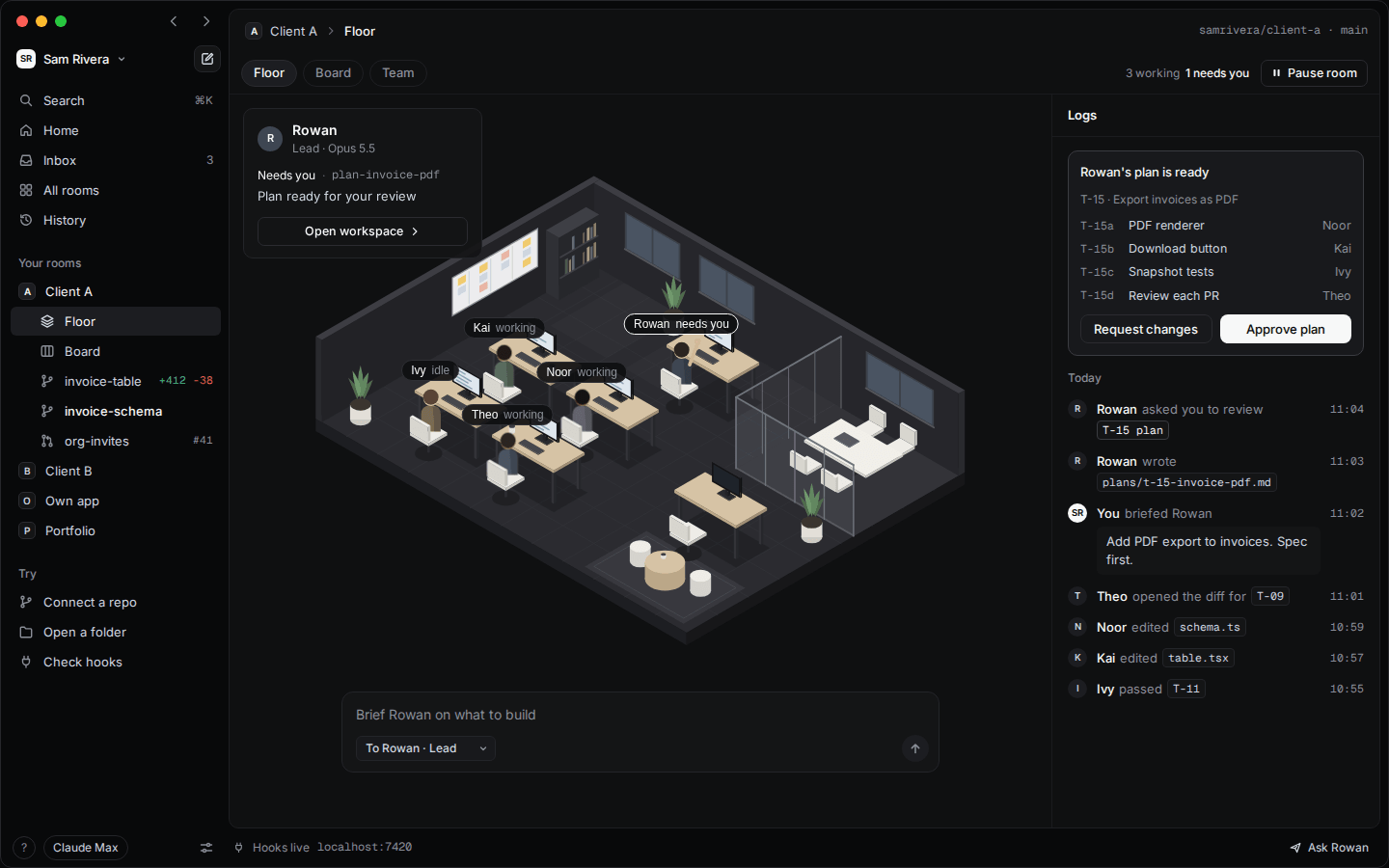
How it works
You stay the decision maker. Your lead plans, and the team builds in parallel.
Tell Rowan what to build in a sentence or two, from the floor or a new workspace.
The work is split into tasks and assigned. Nothing starts until you say so.
Each agent works on its own branch and opens a pull request. Checks run, you merge.
The app
Every task runs in its own git worktree, branch and port.
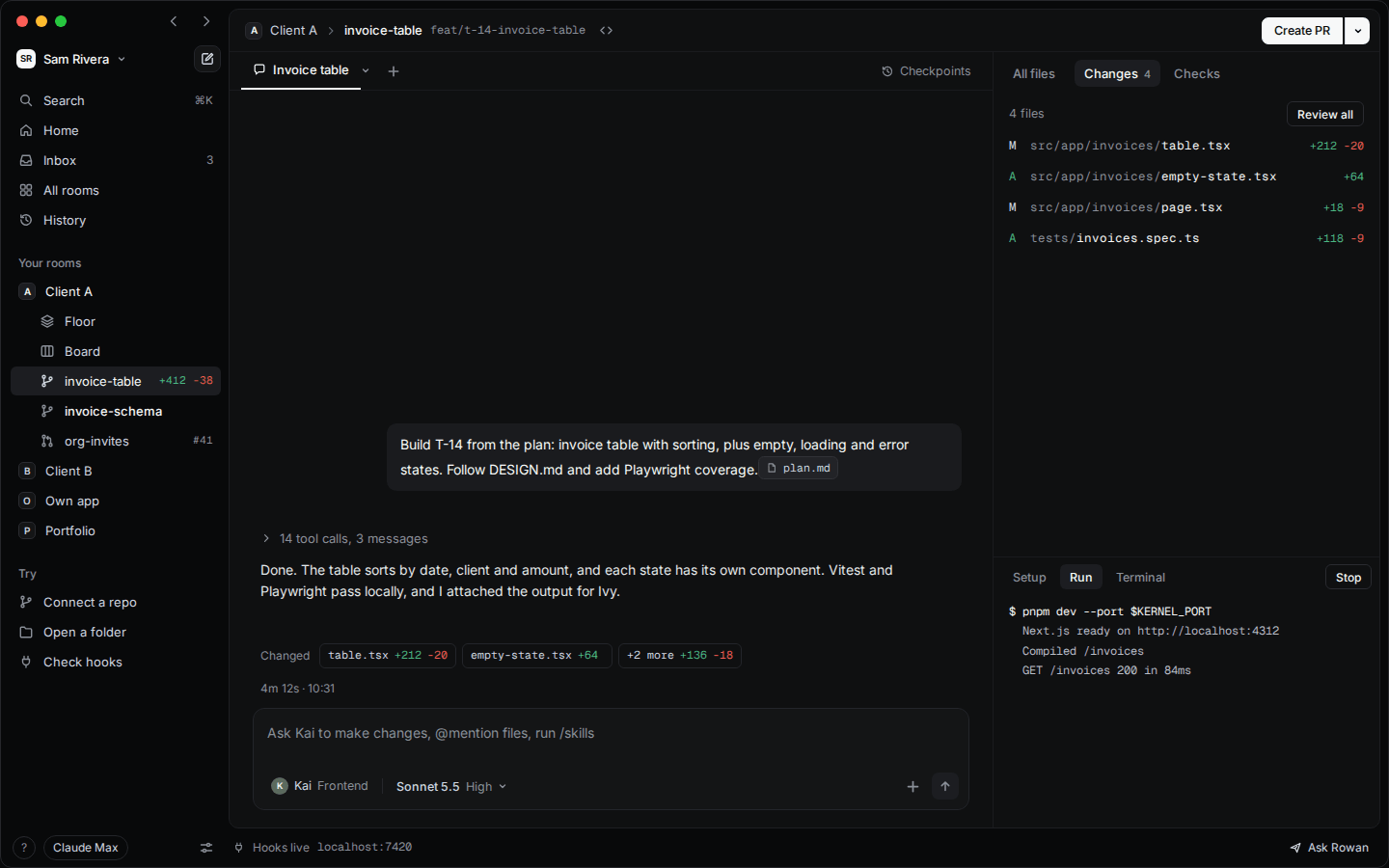
Plans, risky commands and questions wait here for you.
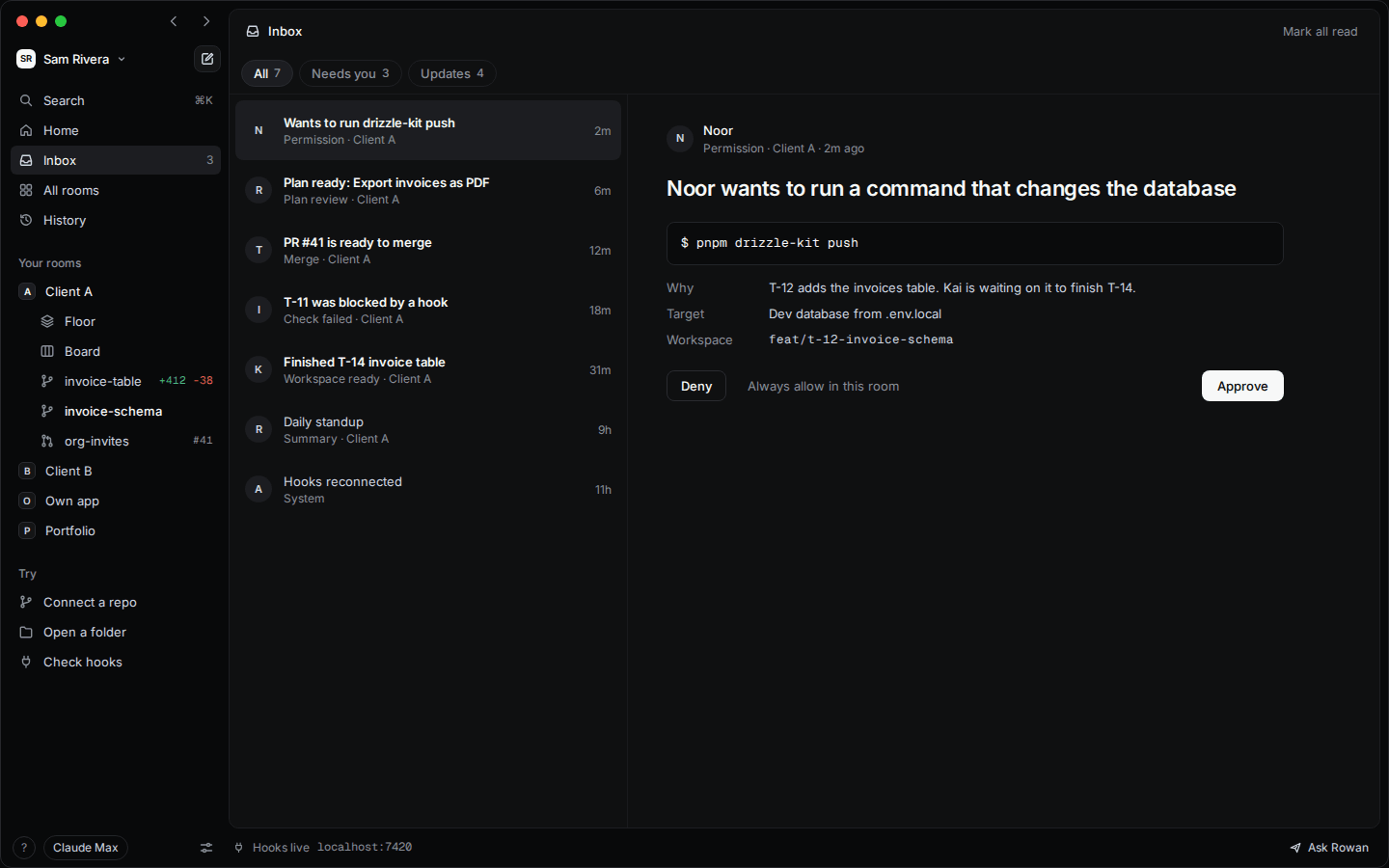
Every task from the plan, moving on its own as agents work.
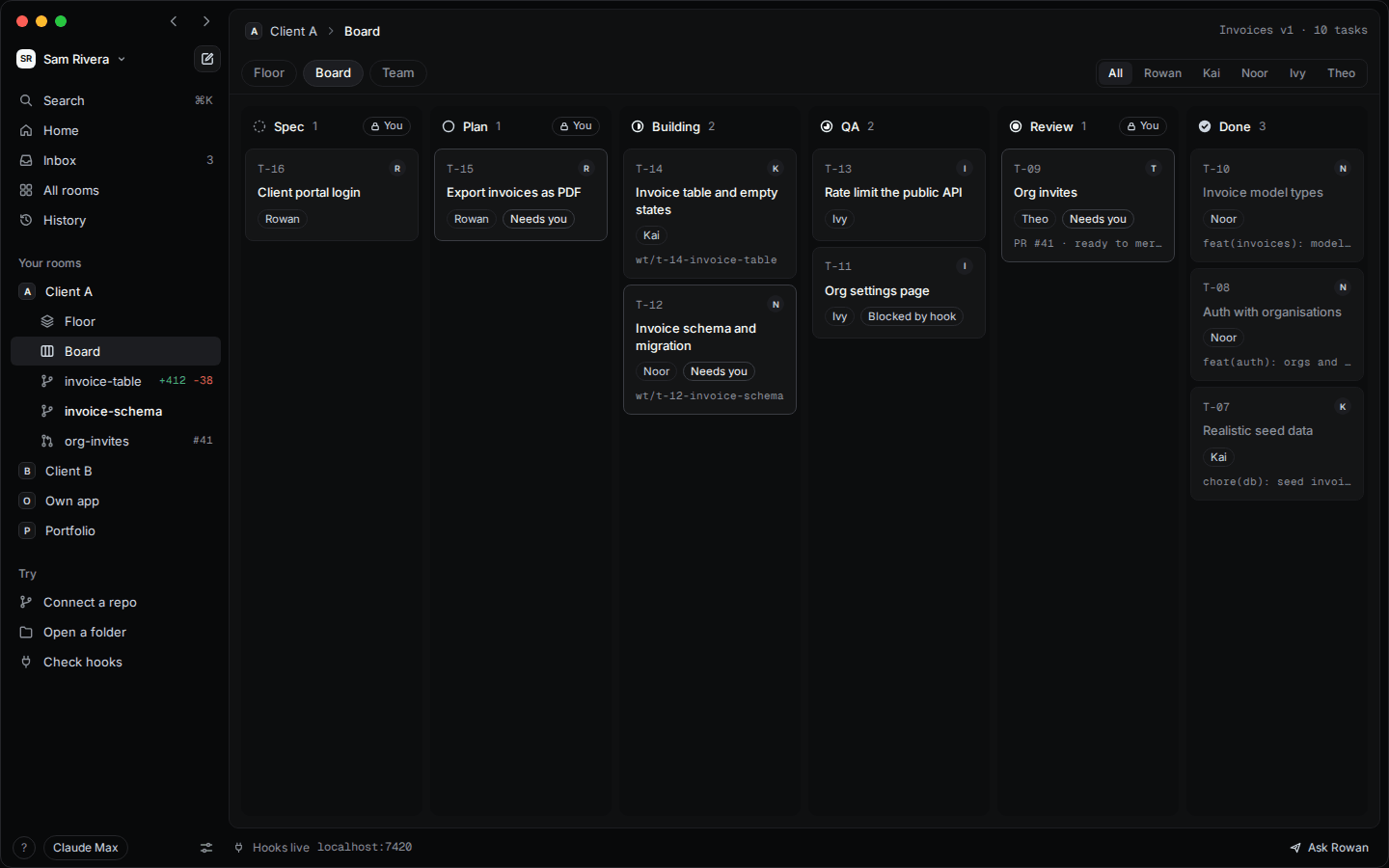
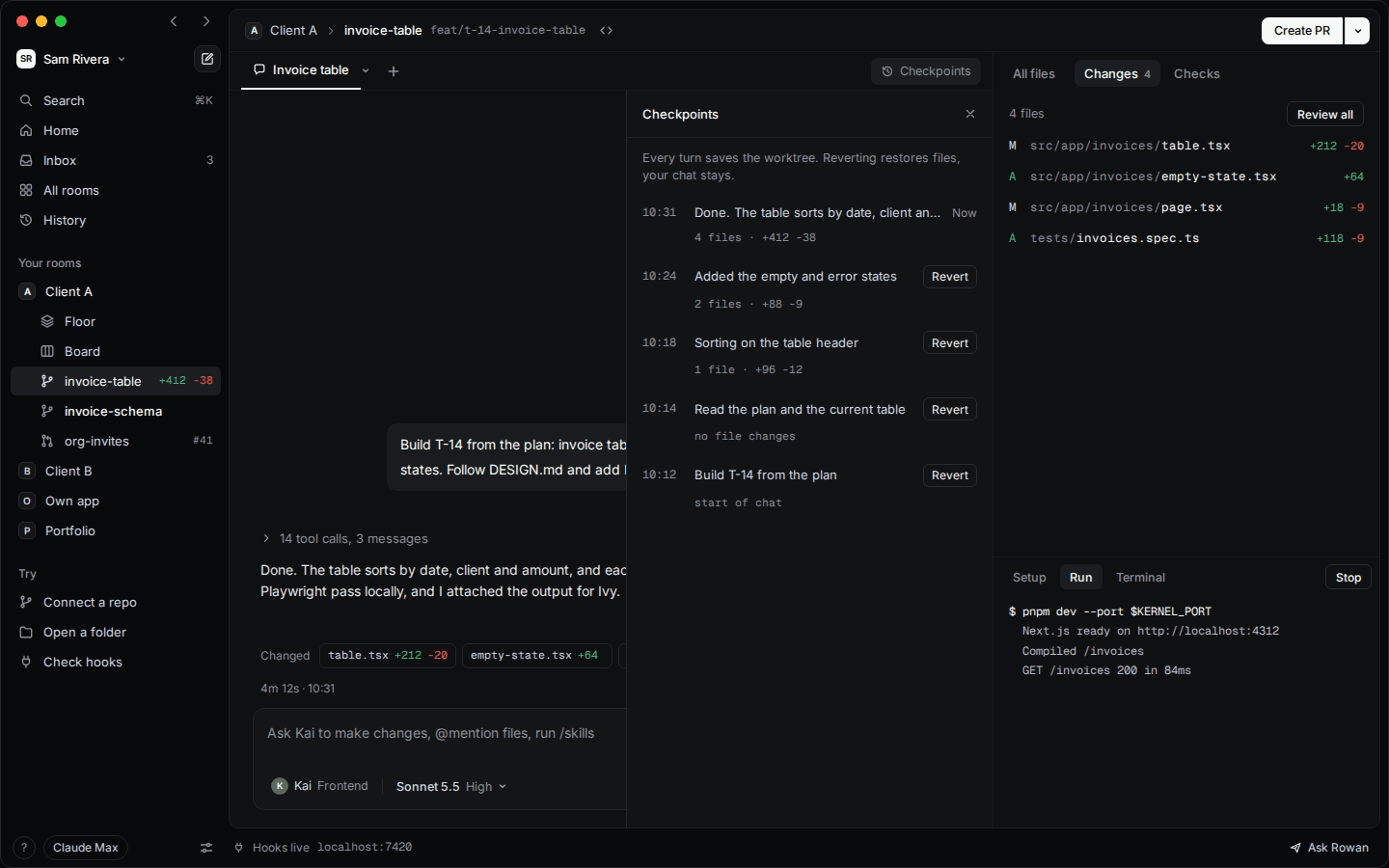
Every turn is saved. Step back without losing the chat.
Details
See who is working, planning or waiting on you. Everything on it comes from real agent events, never a timer.
Create, fix and merge without leaving Kernel. Conflicts and failing checks go straight back to the agent.
Prefer the command line? Open it in a tab. The session still shows up on the floor.
Agents live as files in your repo. Edit them, or ask your lead to hire someone new.
Freeze every agent after its current step with one click, and pick up again when you are ready.
A quiet nudge when an agent needs you or a pull request is ready. Nothing else.
Privacy
No account and no servers of its own. Kernel runs on your machine and the subscription you already have.
Plan
Kernel drives your coding agent with the login you already have. No API keys to paste, no extra bill.
Data
Rooms, chats and history live in a local database. The only network calls are your agent, git, GitHub, the update check, and Linear if you connect it.
Code
Every line is on GitHub under the Elastic License 2.0. Read it, fork it, or build it yourself.
Yes. Download it and use it as much as you like. Your agents' usage counts against your own plan, like any other session.
Claude Code today. Support for more agents is on the roadmap.
A Mac with Apple silicon, Claude Code signed in to a Claude plan, git, and the GitHub CLI for pull requests. Kernel checks all of this on first launch and tells you how to fix anything missing.
Only the way it already does when you use your agent and push with git. Kernel adds no servers of its own.
Yes. Agents are plain files in your repo. Edit them, add new ones, or retire one you don't need.
Not right now. Kernel is built for Macs with Apple silicon.
Yes. Issues and pull requests are welcome on GitHub, and the contributing guide explains how to build and test it.
Install it, open a repo, and brief your lead. The team takes it from there.
Free · For Macs with Apple silicon